How to Check Website Ranking and Improve Your SEO Performance
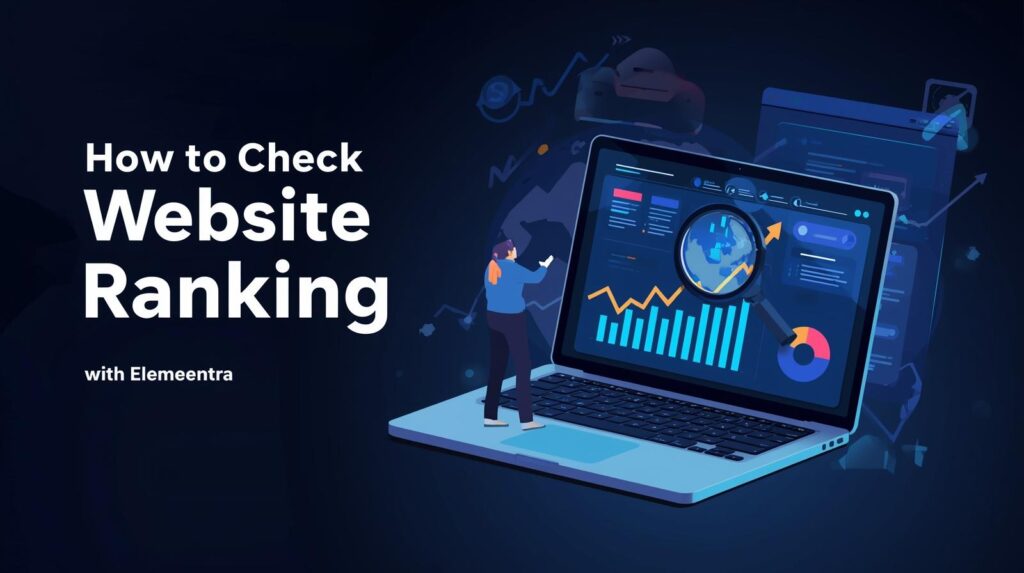
If you’re serious about growing your online presence, the first step is knowing how to check website ranking because you can’t improve what you don’t measure. When I first started my journey as a WordPress web developer, I used to publish blogs and optimize pages without actually tracking where they ranked. The result? Some posts performed well by luck, while others stayed invisible. Once I learned the importance of website ranking checks, everything changed I began understanding what Google valued, what keywords were driving traffic, and how small SEO improvements made a big impact. In this guide, I’ll walk you through the most effective ways to check your website ranking, tools I personally use for my own site Elemeentra.com, and how to use those insights to improve your overall SEO performance. 1. What Is Website Ranking and Why Learning How to Check Website Ranking Is Important Website ranking refers to your web page’s position in search engine results (like Google or Bing) for a specific keyword. For example, if you search “WordPress speed optimization services” and your site appears on the first page, your ranking for that keyword is high. Why rankings matter: 2. How to Check Website Ranking Step-by-Step Guide Now, let’s dive into the practical side. There are several ways and tools to check your ranking from free Google tools to premium SEO platforms. Below are my go-to methods that I use for clients and my own projects. A. How to Check Website Ranking Using Google Search Console (Free & Reliable) If you’re not using Google Search Console (GSC), you’re missing out on Google’s own data about your site. Here’s how to check website ranking using GSC: You can even filter by pages or countries to see which content performs best. Pro tip: Focus on keywords that are ranking between positions 8–20 they’re your quick wins. With small on-page improvements (like meta titles, headings, and internal links), you can push them to the top 5. B. How to Check Website Ranking Using Keyword Tracking Tools While GSC gives a great overview, it doesn’t show competitor data or ranking fluctuations in detail. That’s where third-party tools come in. Tool Features Best For Ahrefs Daily rank tracking, keyword difficulty, backlink data Agencies & professionals SEMrush Competitor analysis, position tracking, traffic insights Comprehensive SEO tracking SERPWatcher (Mangools) Simple interface, daily updates, progress tracking Beginners & freelancers Ubersuggest Affordable, keyword tracking & audit tools Small business owners My Experience:I personally use SERPWatcher for daily keyword tracking because it’s affordable and simple. It sends me weekly email reports showing which pages are gaining or losing positions a great way to stay proactive. C. How to Check Website Ranking Manually for Quick Verification Sometimes, I manually verify rankings by searching in Incognito mode to avoid personalized results.However, manual checking isn’t always reliable due to: So, use this only for rough checks or quick validations. D. Use How to Check Website Ranking Performance Using Google Analytics Although Google Analytics doesn’t show exact keyword rankings, it gives valuable traffic performance insights. Check these metrics: By combining this with GSC data, you can connect rankings with actual visitor behavior not just numbers. 3. How to Interpret Data After You Check Website Ranking Once you know where your website stands, the next step is understanding what the numbers mean. Here’s how I analyze ranking data for clients at Elemeentra: Example: When one of my “WordPress speed optimization” articles ranked at position #12 but had a 7% CTR, I slightly improved the intro, added structured data, and got it to #5 within two weeks. 4. How to Improve SEO Performance After You Check Website Ranking Checking website ranking is only half the game the next half is using that data to improve your SEO. Let’s break it down into practical steps: A. Optimize Existing Content After You Check Website Ranking Most websites already have pages ranking between positions 10–30. These are easier to push up than starting new ones. How to do it: B. Focus on Search Intent After You Check Website Ranking Every keyword has a specific search intent: Make sure your content matches the intent.If a user searches “how to check website ranking,” they want a guide, not a sales page. C. Build Authoritative Backlinks After You Check Website Ranking Google values trust and authority, and backlinks are a major ranking factor. Tried-and-tested methods: Quality backlinks not only improve rankings but also bring referral traffic. D. Optimize Technical SEO After You Check Website Ranking Your website’s technical health also affects your ranking. Checklist: Pro insight: I’ve seen clients’ rankings drop simply due to slow page speeds. After optimizing images and enabling caching, their average positions improved within weeks. E. Track, Test, and Repeat SEO is a continuous process, not a one-time setup.Track your keywords weekly, test new strategies, and adapt as search trends evolve.Use GSC and analytics data to guide your next moves. 5. Key Insights & Common Mistakes When You Check Website Ranking After years of analyzing SEO performance for various clients, here are a few lessons that stand out: ✅ Do This: ❌ Avoid This: Conclusion: Keep Checking Website Ranking to Keep Improving Learning how to check website ranking is like learning how to read your business’s heartbeat it tells you what’s working, what’s not, and where to focus next. When I started tracking rankings consistently, I began seeing patterns: which topics brought long-term traffic, which posts needed improvement, and how even small optimizations led to big SEO wins. So, take time this week to explore your Google Search Console, set up a rank tracking tool, and analyze what your audience actually clicks on. Once you have data, use it to guide your strategy not guesswork. Call to Action Ready to boost your website’s SEO performance?Let’s turn your site into a high-performing, search-optimized powerhouse. 🚀 Explore my WordPress & SEO services →or visit Elemeentra.com to see my latest projects and insights. Author: Abu Bakar Freelance WordPress Developer & SEO EnthusiastHelping businesses grow through clean