Introduction
If you’re a freelancer, you already know how challenging it can be to balance multiple projects, clients, and deadlines at once. Over the years, I’ve tested dozens of tools to simplify my workflow and improve efficiency. That’s why in this post, I’ll share the best tools for freelancers that actually make a difference. Whether you’re managing clients, creating content, or optimizing websites, these tools will help you stay organized, save time, and deliver professional results — just like I do every day in my freelance journey at Elemeentra.
1. Trello – One of the Best Tools for Freelancers to Stay Organized
Managing multiple projects can get messy fast. Trello is one of my go-to productivity tools for freelancers. It uses a visual board system that helps track tasks, deadlines, and client feedback.
- Why I love it: It’s clean, intuitive, and perfect for freelancers juggling many clients.
- Use Case: I organize each client as a Trello board with “To Do,” “In Progress,” and “Completed” columns — keeps my workflow crystal clear.
2. Notion – Among the Best Tools for Freelancers to Manage Projects
When it comes to combining notes, task lists, and databases, Notion is unbeatable. I use Notion to plan my content calendar, manage client notes, and even track Elemeentra’s blog ideas.
- Why It’s Great: Customizable templates, clean UI, and collaboration options.
- Tip: Create a “Freelancer Dashboard” template to manage your week at a glance.
3. Google Workspace – One of the Best Tools for Freelancers for Client Communication
Email and document sharing are part of every freelancer’s day. Google Workspace (Gmail, Docs, Sheets, Drive) makes collaboration seamless and secure.
- Why Freelancers Need It: Everything syncs automatically, and you can easily share files with clients.
- Pro Tip: Create branded Gmail signatures to make your emails look professional.
4. Clockify – The Best Tool for Freelancers to Track Time and Boost Productivity
Tracking your time accurately helps you bill clients fairly and manage productivity. Clockify is one of the best free time tracking tools for freelancers.
- Features I Use: Project-wise tracking, timesheets, and reports.
- Why It Matters: It gives you a clear view of where your time goes — crucial for improving efficiency.
5. Canva – A Must-Have Design Tool for Freelancers (Without Being One)
Freelancers often need to design thumbnails, proposals, or social media graphics. Canva makes that effortless.
- Why It’s Among the Best Tools for Freelancers: Ready-to-use templates and drag-and-drop design make you look like a pro in minutes.
- My Favorite Feature: Brand Kit — keeps your designs consistent across projects.
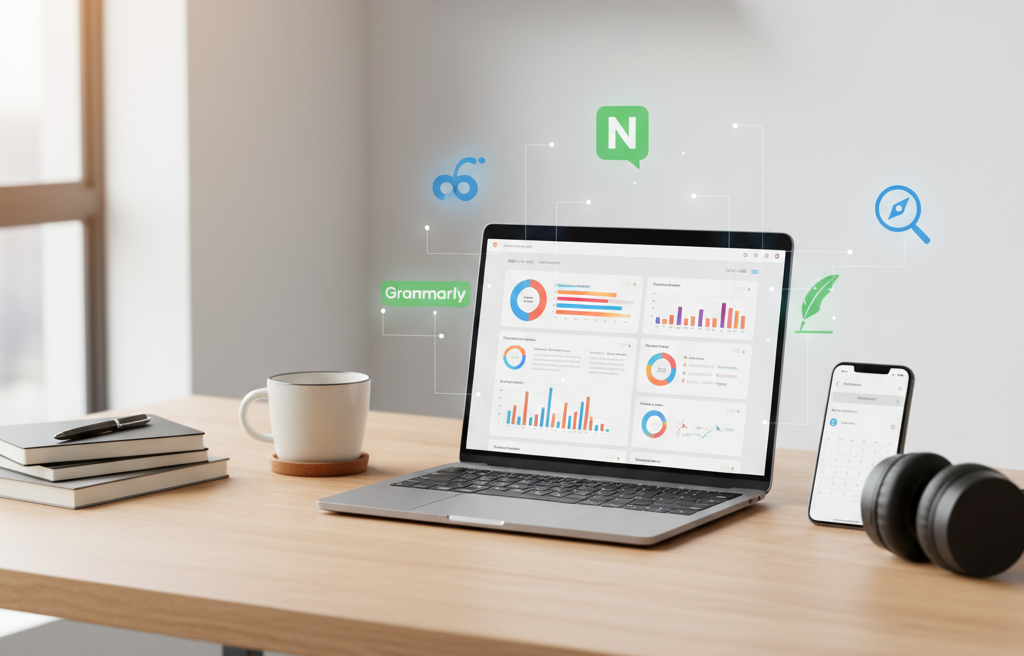
6. Grammarly – The Best Writing Tool for Freelancers to Communicate Professionally
Good communication builds client trust, and grammatical errors can ruin that impression. Grammarly helps polish your emails, blogs, and proposals.
- How I Use It: I run every blog post and email through Grammarly before sending it.
- Bonus: The Chrome extension works in WordPress, Google Docs, and email — super handy!
7. Elemeentra’s Free Tools – The Best Tools for Freelancers to Optimize Websites
I’ve built and use several free tools on Elemeentra that every freelancer can benefit from:
🧰 Free SEO Tools by Elemeentra
This collection includes essential tools for optimizing your site performance and content — perfect for bloggers, web developers, and digital marketers.
⚡ Website Speed Checker
Your site speed directly impacts SEO and user experience. Use this tool to instantly check your website loading time and performance.
🏷️ Meta Tag Generator
Save time with this simple yet powerful tool. It generates optimized meta tags for your web pages in seconds — perfect for freelancers managing multiple sites.
8. Slack – A Communication Tool Every Freelancer Should Use
Slack isn’t just for big teams. As a freelancer, you can create channels for different clients or projects to keep communication organized.
- Why It Helps: No more messy email threads — everything is sorted in one chat space.
- Bonus: Integrates easily with Trello, Google Drive, and Notion.
9. Payoneer & Wise – Reliable Payment Tools for Freelancers Worldwide
Handling international clients? Tools like Payoneer and Wise make getting paid simple and quick.
- Why Freelancers Use Them: Low transfer fees and fast payments.
- Tip: Always mention preferred payment methods in your proposal to avoid confusion later.
10. LastPass – The Best Security Tool for Freelancers Handling Multiple Clients
As freelancers, we often handle multiple client accounts. LastPass securely stores and autofills passwords so you never lose access.
- Why I Recommend It: Saves time and adds security, especially if you manage multiple sites.
- Bonus: Encrypted cloud storage for sensitive information.
Key Insights – Why the Best Tools for Freelancers Matter in 2025
From my experience, the right tools don’t just make you productive — they help you look professional, save time, and deliver better results.
Here’s how I use them together:
| Purpose | Tool | Benefit |
|---|---|---|
| Project Management | Trello / Notion | Organized workflow |
| Communication | Slack / Gmail | Clear collaboration |
| Design | Canva | Professional visuals |
| SEO & Website | Elemeentra Tools | Faster, optimized sites |
| Writing | Grammarly | Error-free communication |
| Payments | Payoneer / Wise | Easy client transactions |
Each tool contributes to smoother client handling, better output, and overall freelance growth.
Conclusion
If you’re serious about growing as a freelancer in 2025, start integrating these tools into your daily workflow. From managing time to optimizing websites, the best tools for freelancers are the ones that save effort and help you deliver quality.
I personally rely on platforms like Trello, Notion, Grammarly, and my own Elemeentra tools to stay ahead in my freelance journey. Try them out — and see how your productivity, confidence, and client satisfaction improve instantly.
Ready to Level Up Your Freelance Workflow?
Explore more powerful and free tools for your freelance business at Elemeentra.
Start optimizing today — your next big project deserves efficiency!